Importing Secrets
Note
The maximum allowed file size for importing secrets from a CSV file is 2 MB.
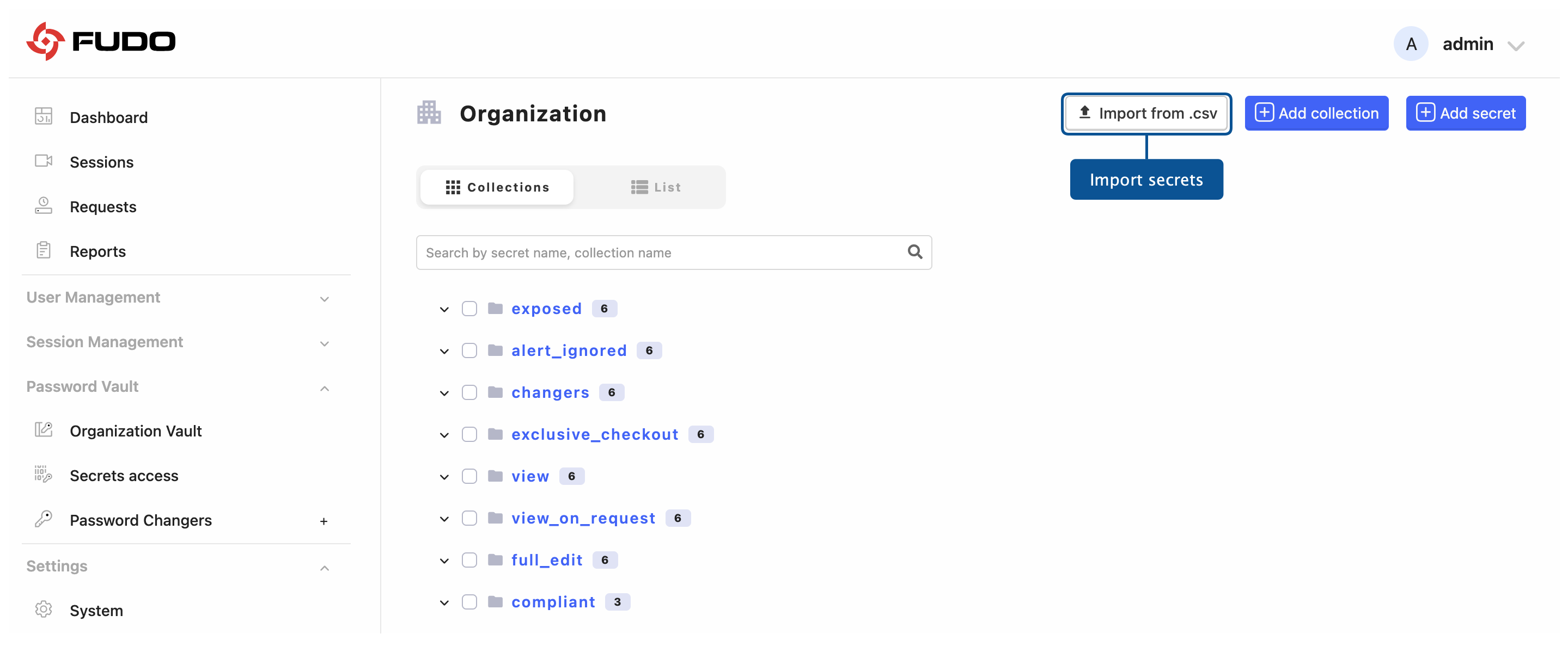
Select > .
Click .
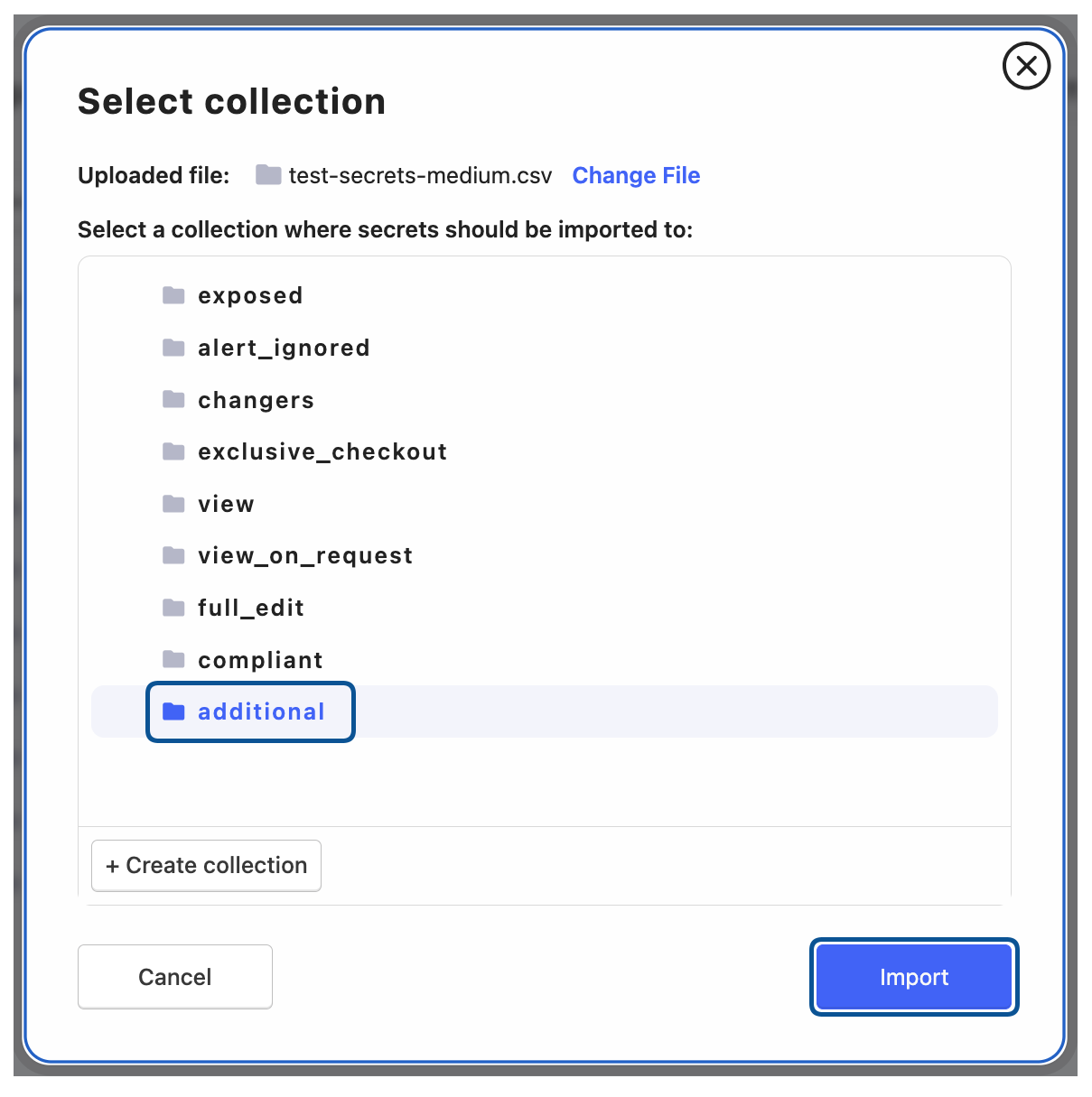
Drag and drop file into the modal window upload area or click to upload it from local directory.
Select or create collection where secrets should be imported to.
Click to upload secrets to Fudo Enterprise configuration or to terminate uploading procedure.
CSV file format
The CSV file must be constructed according to the following rules:
The first row is a header row containing names corresponding to the API fields names (refer to API Documentation: API v2: Secrets).
The header row must include all fields that are required when manually creating a secret of specific type. Other fields are optional and can be left empty.
A comma (,) has to be used as a field separator.
Example CSV file:
name,type,login,domain,secret,uri
login,login,admin,portal.example.com,SuperSecure123!,https://portal.example.com/login
login2,login,db_admin,db.example.com,DbPassword2024,https://db.example.com/admin
note,note,,,Quarterly meeting notes: Q4 targets discussed.,
api_key,apikey,aws_service_account,api.aws.amazon.com,AKIAIOSFODNN7EXAMPLE,https://api.aws.amazon.com
cert,certificate,,,,
ssh_key,sshkey,,,,
Note
SSH private keys and certificates are typically stored in multi-line PEM format. When importing them from a CSV file, enclose the entire value in double quotes ("") so it is treated as a single CSV field.
Example CSV for a certificate secret:
name,type,login,domain,certificate,secret
"secret-1","certificate","","","-----BEGIN CERTIFICATE-----
MIID...EXAMPLE...DATA
-----END CERTIFICATE-----","-----BEGIN PRIVATE KEY-----
MIIE...EXAMPLE...DATA
-----END PRIVATE KEY-----"
Related topics: