Viewing Sessions
Fudo Enterprise allows viewing recorded sessions as well as current user connections.
To view a session, proceed as follows.
Select .
Find desired session and click i.
Note
Filter sessions to display only active connections:
Click and select the Active parameter.
From the parameter options, select yes.
Session player options
Note
Some options are available for live sessions only.
Sound of RDP sessions
Recordings of RDP sessions may also contain the sound of the session. The player decodes it together with the image, and a volume control on the player toolbar allows setting the playback level or silencing it.
Note
The sound is recorded only for sessions established through a listener that uses the new RDP implementation, with the Sound recording option selected in the safe. Refer to Selecting the RDP implementation and the safe functionality options.
Sessions recorded before the upgrade, and sessions recorded with the previous RDP implementation, contain no sound.
The sound is available when playing back a recording. Sessions opened in the browser with the Web Client are without sound.
SSH, RDP, VNC, X11, Telnet
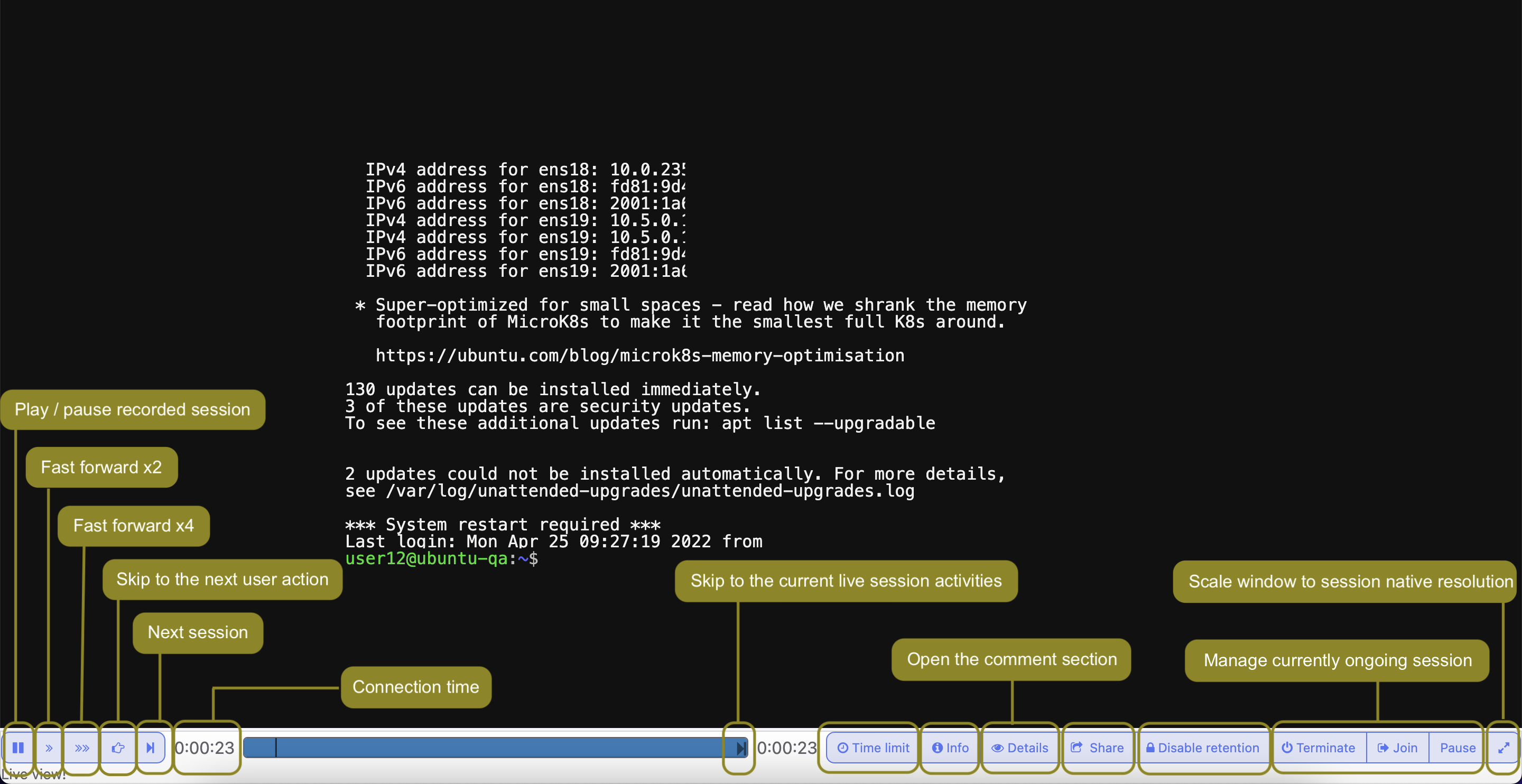
Note
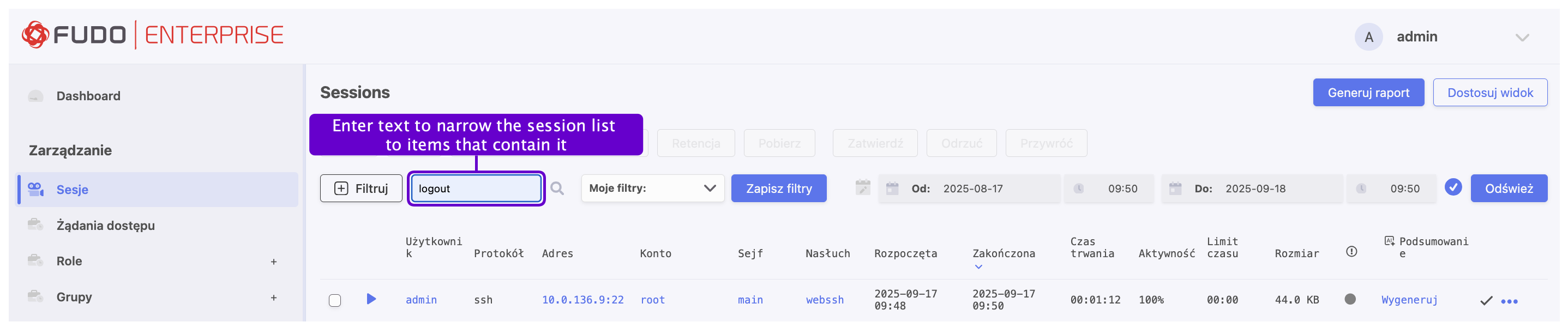
Playing a session containing the specified phrase starts from the moment of its first occurrence.
The player enables skipping between each occurrence of the specified phrase.
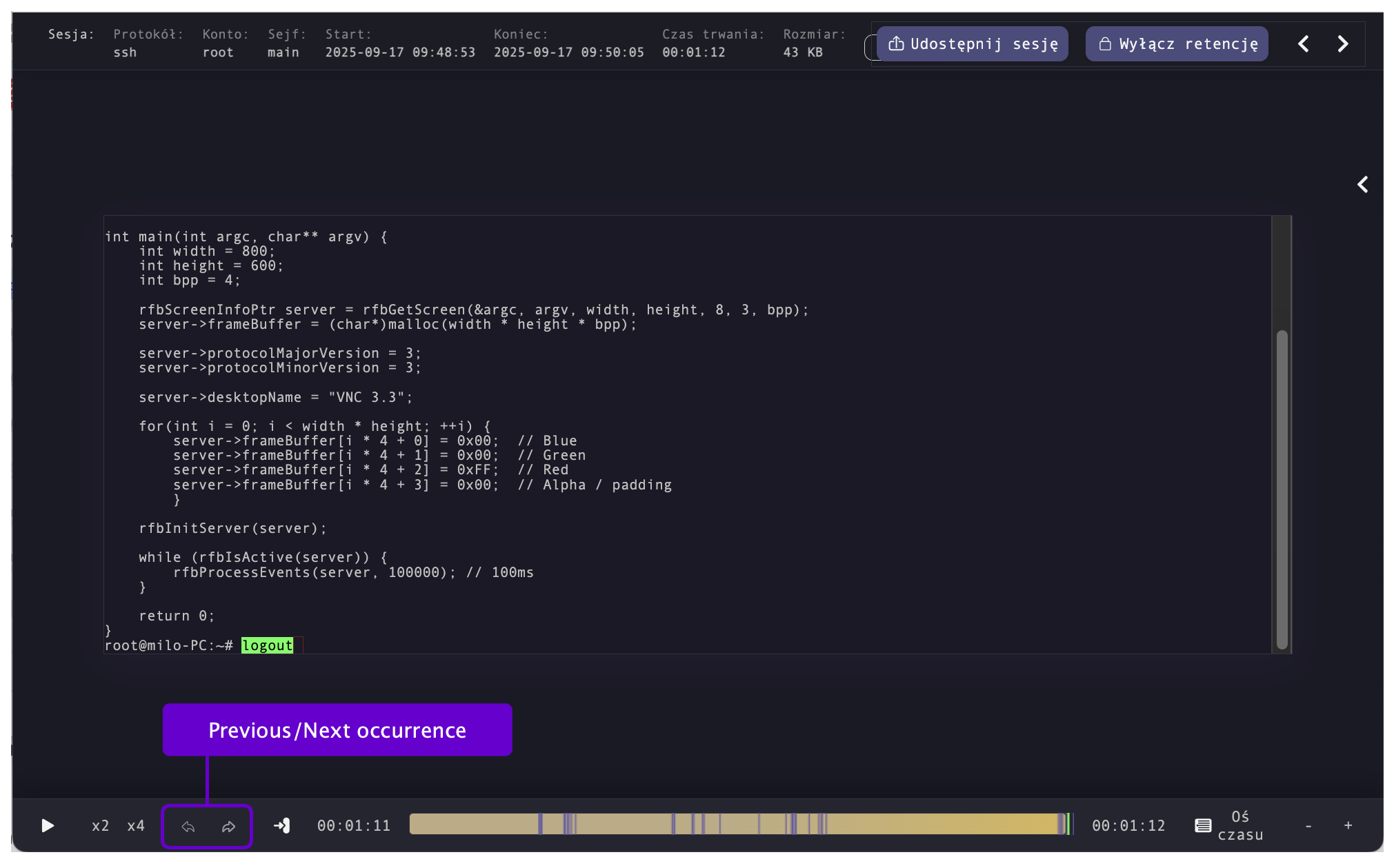
Note
Click the displayed elapsed time to switch between the connections’s actual and relative time.
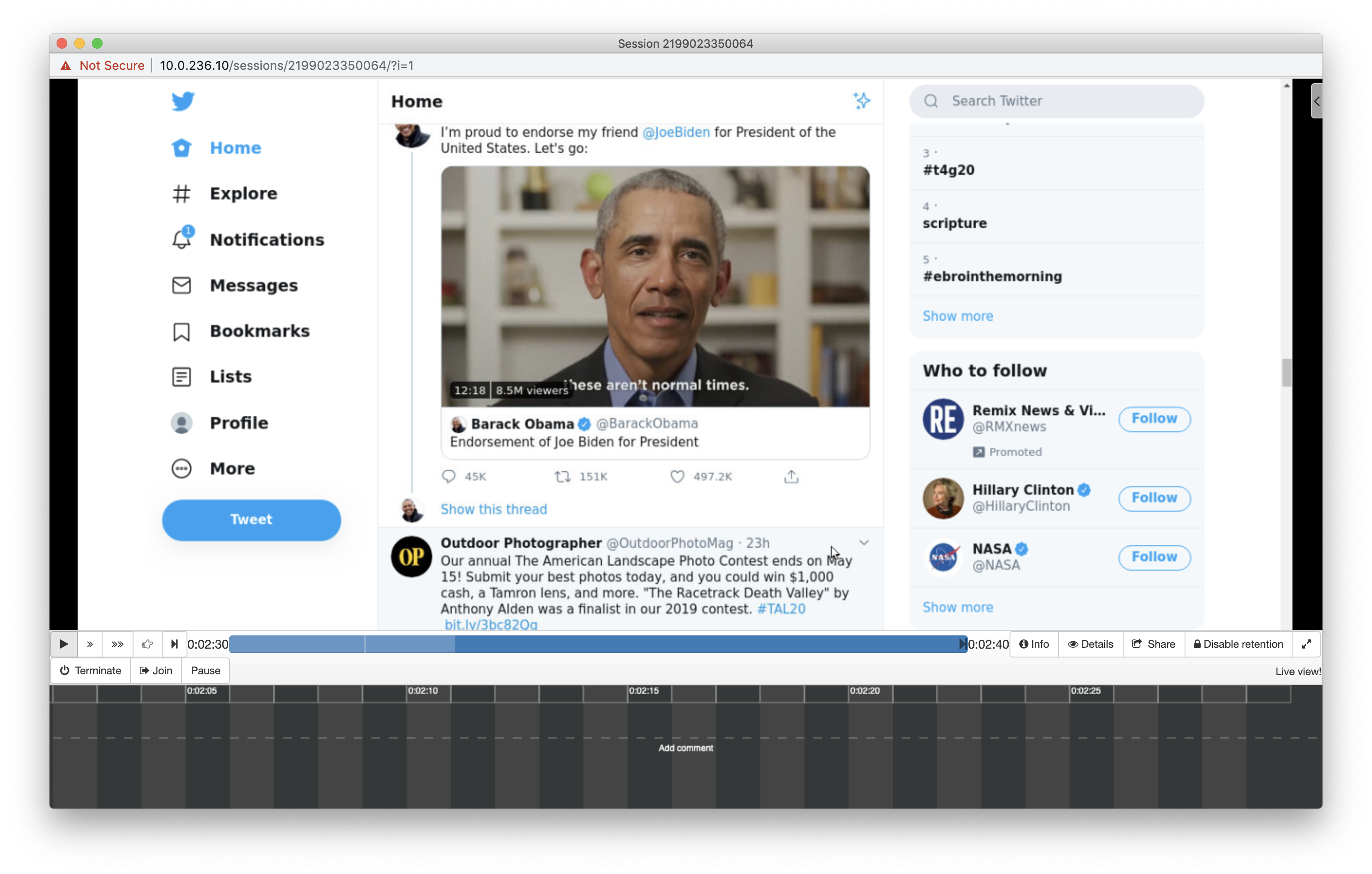
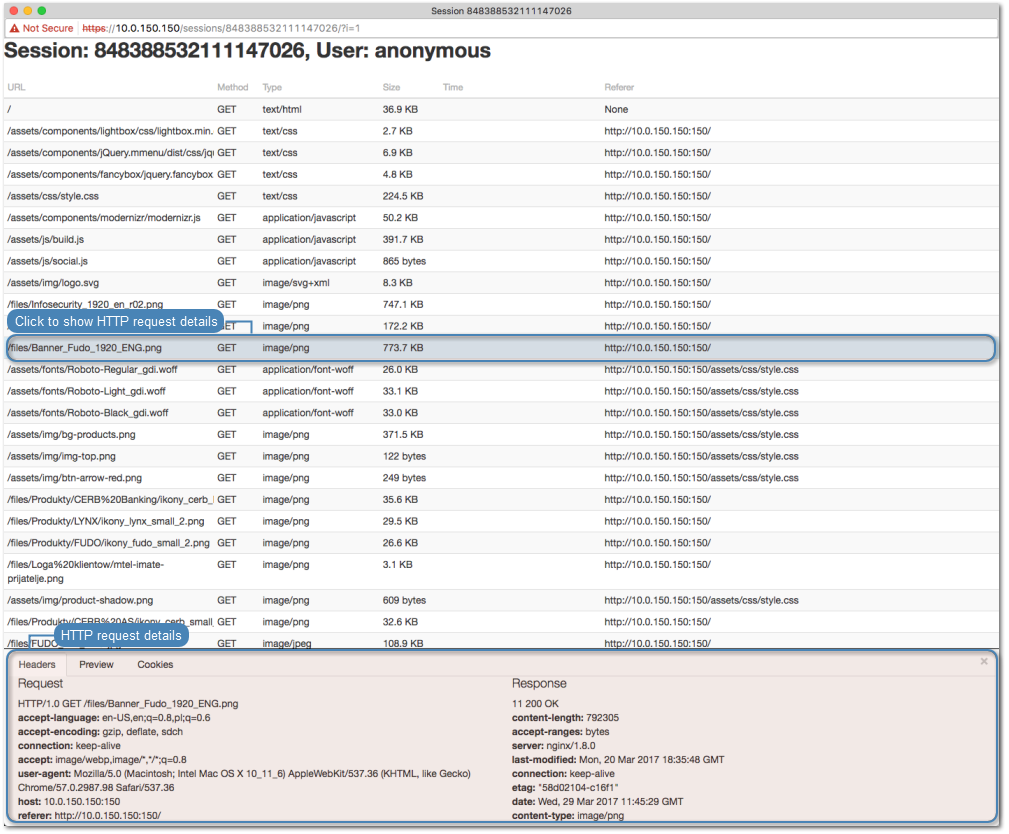
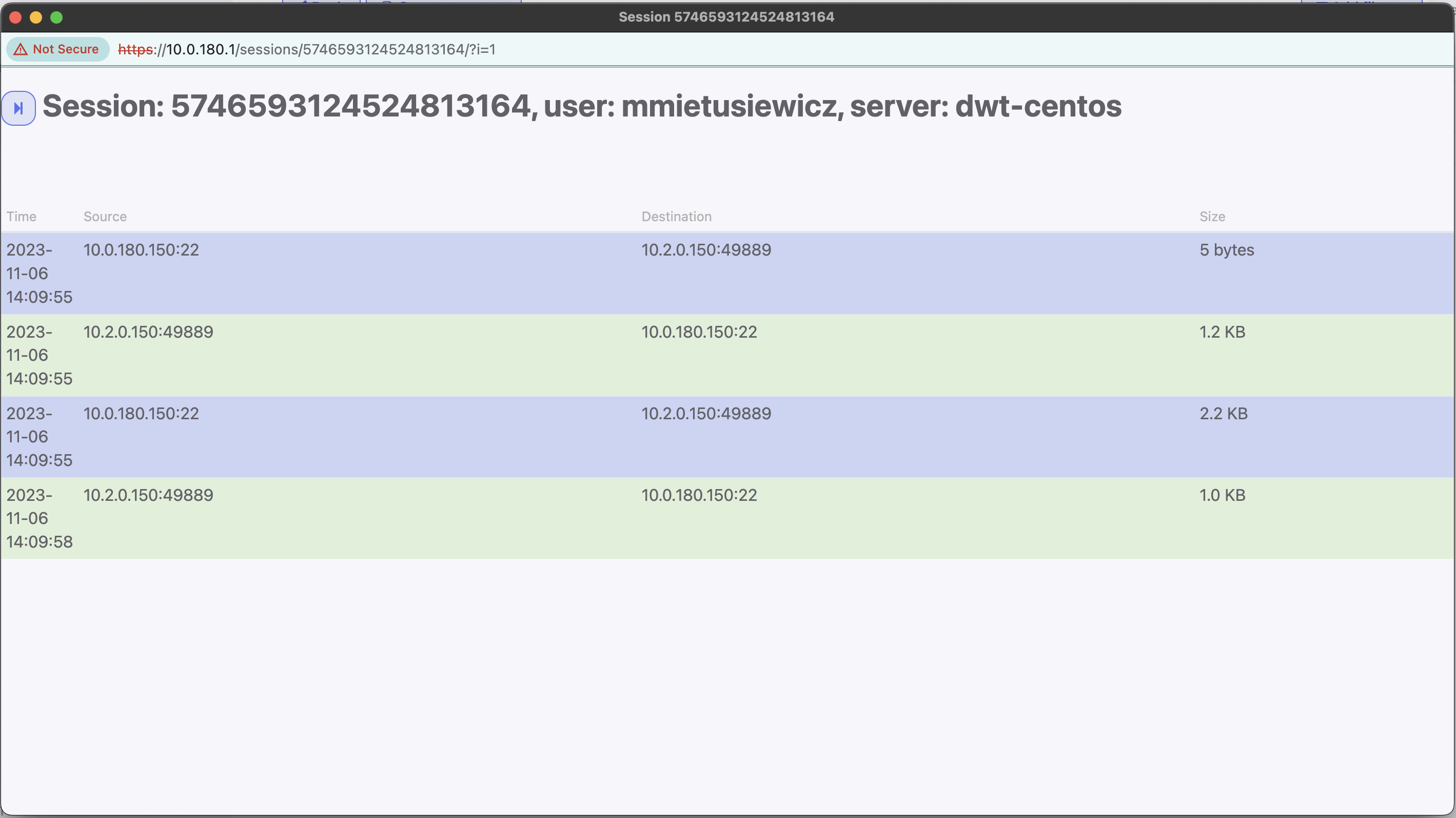
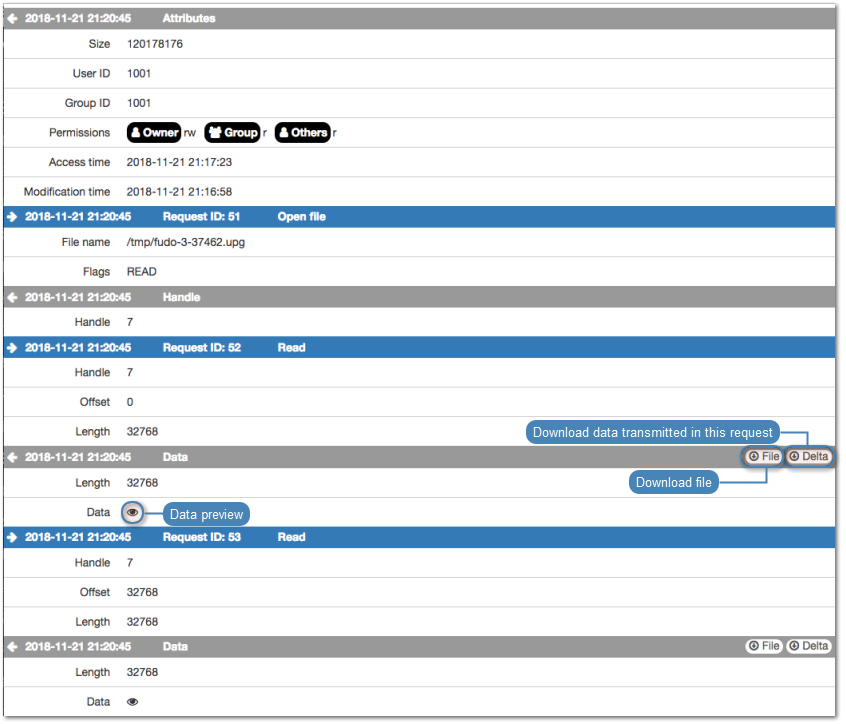
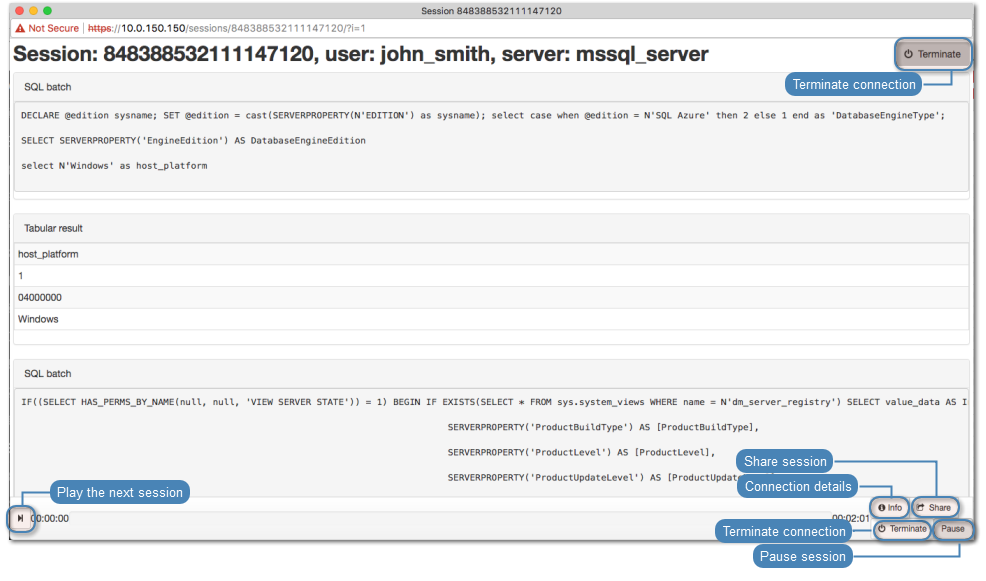
Below, you will find screenshots displaying session views established using various protocols such as HTTP, SSH, SFTP, MySQL, MSSQL and SCP.
HTTP - rendered
Note
In case of rendered HTTP sessions, raw protocol data is not recorded.
HTTP - raw
SSH
SFTP
MySQL, MSSQL
SCP
- Related topics: