Managing Security Alerts
Fudo Enterprise tracks user’s action in User Access Gateway and registers every password viewing. Blocking a user who has seen the current password can help prevent a potential security breach. Fudo Enterprise identifies such events and communicates them to system’s administrators.
Note
Triggering a secret change is available only for accounts with an assigned secret changer and secret change policy that has the Secret change option active.
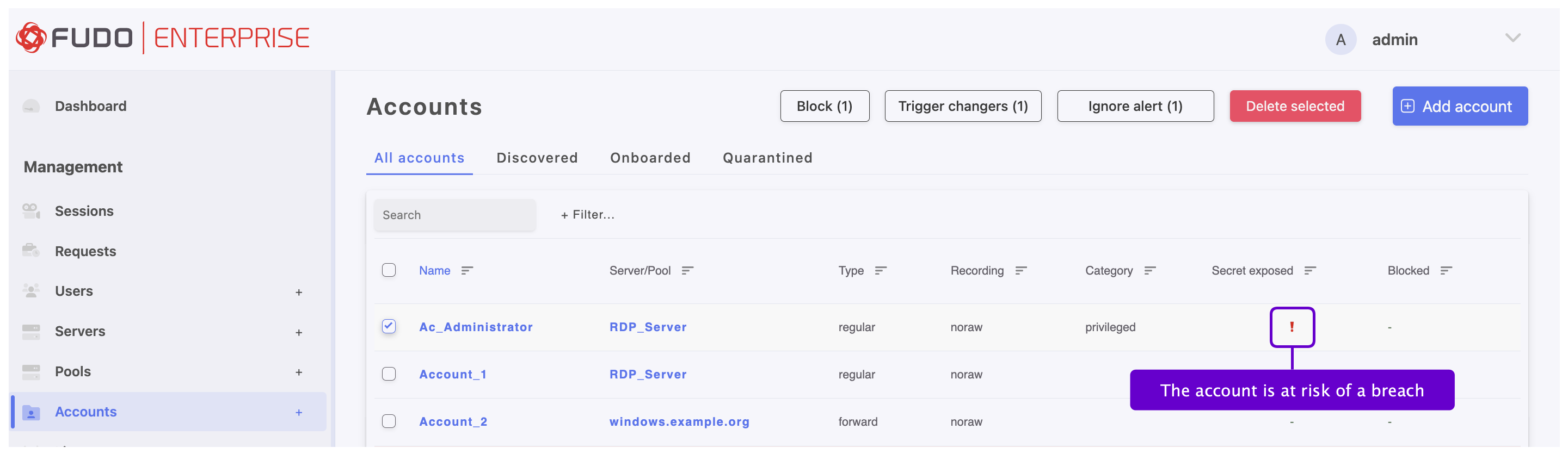
Administrator has an option to ignore the alert or trigger a secret changer assigned to the account.
Triggering Secret Change
Triggering secret change on the accounts list
Select > .
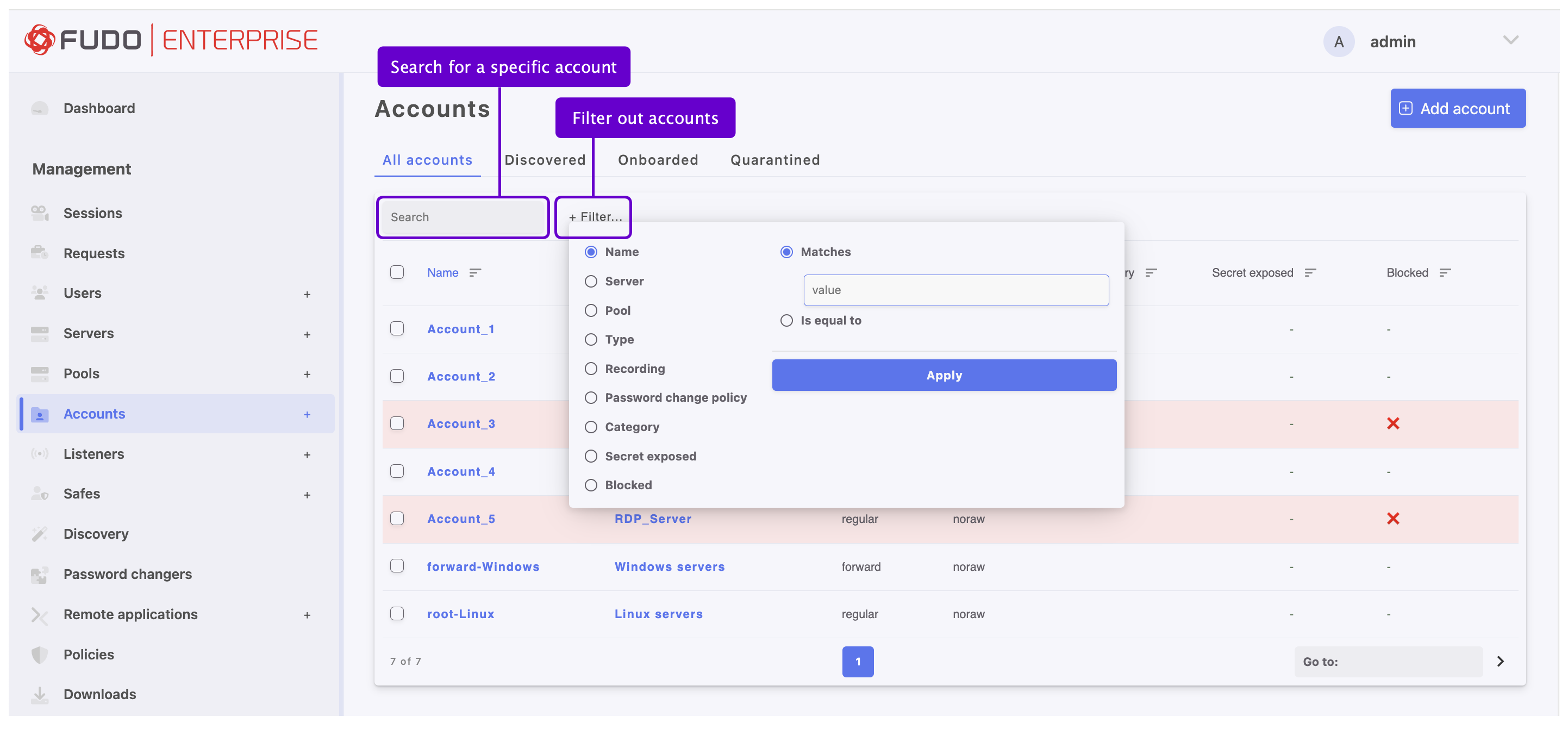
Define filters to limit the number of objects displayed on the list, or use a search bar.
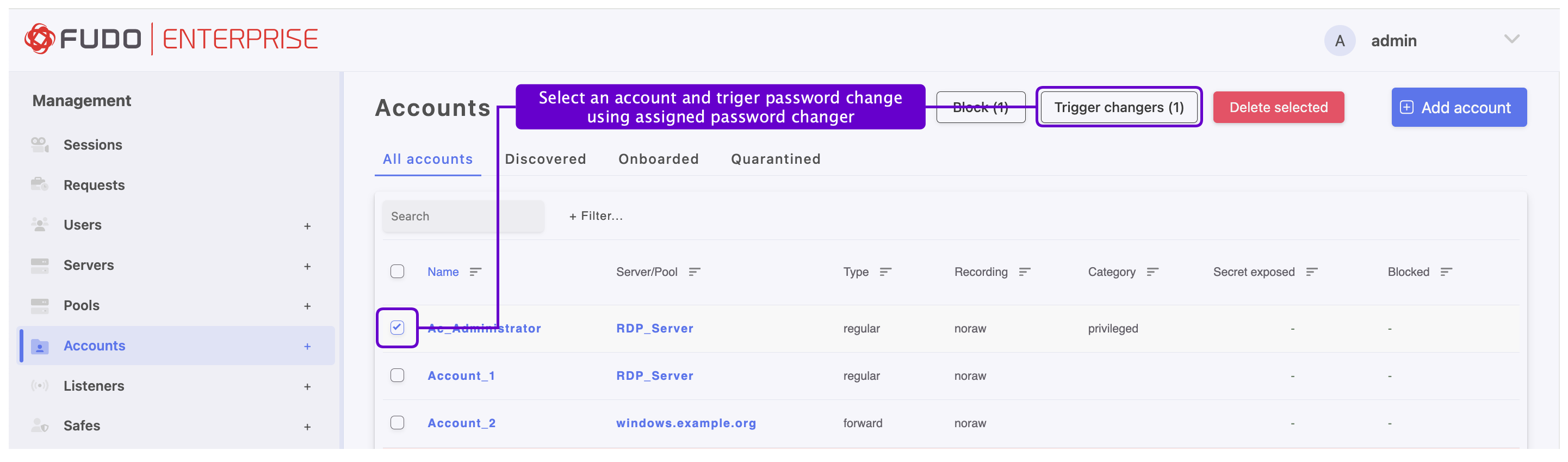
Select an account and click .
Confirm changing secret to selected accounts.
Triggering secret change from account form
Click on the chosen account’s name to edit its configuration.
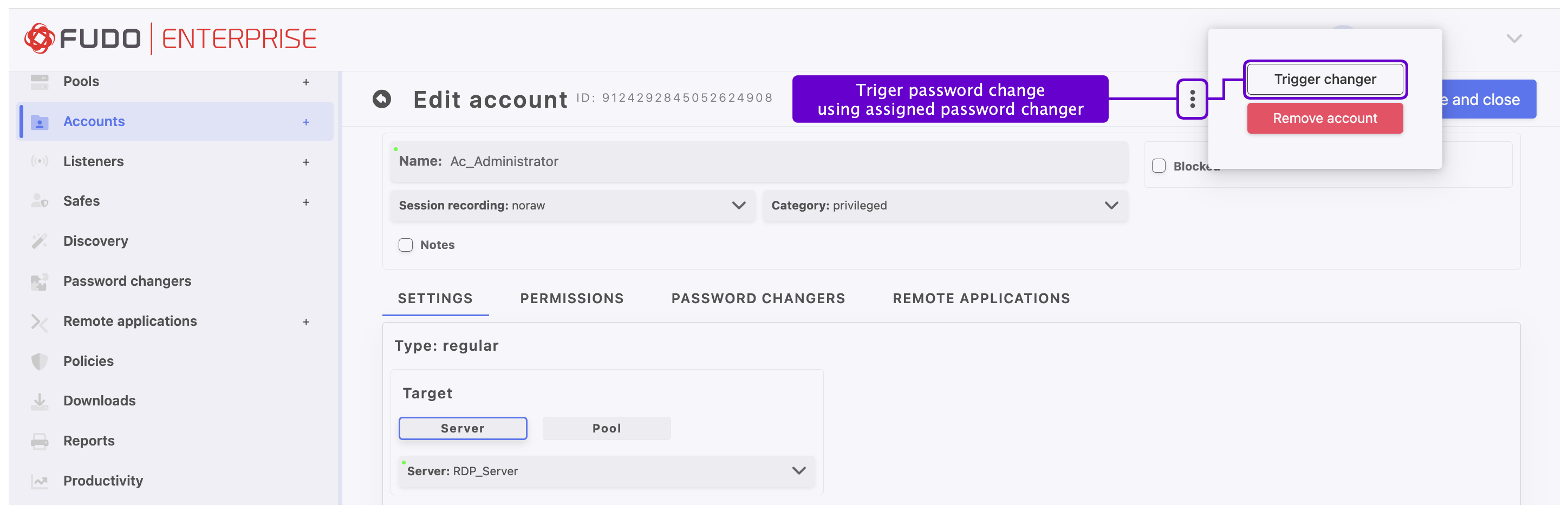
Click on the three dots symbol before the Cancel and Save buttons to reveal the additional menu, and then click .
Ignoring Security Alert
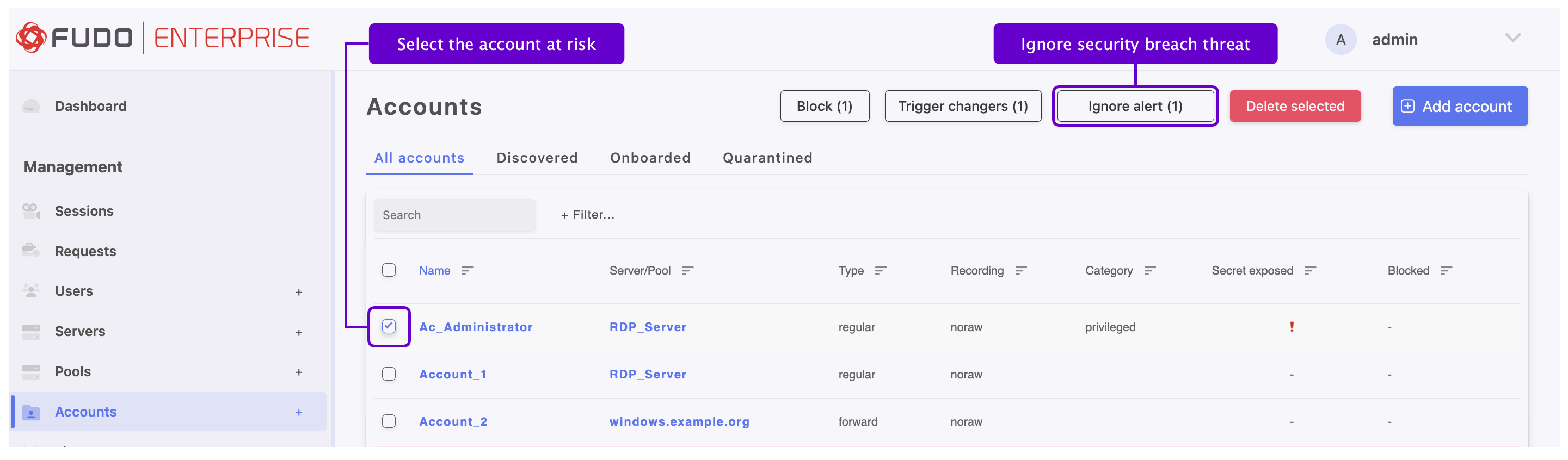
Ignoring security alert on the accounts list
Select > .
Define filters to limit the number of objects displayed on the list, or use a search bar.
Select the account at risk and click .
Ignoring security alert from the account form
Click on the account’s at risk name to edit its configuration.
Note
Account edit form contains a list of blocked users who have seen current password.
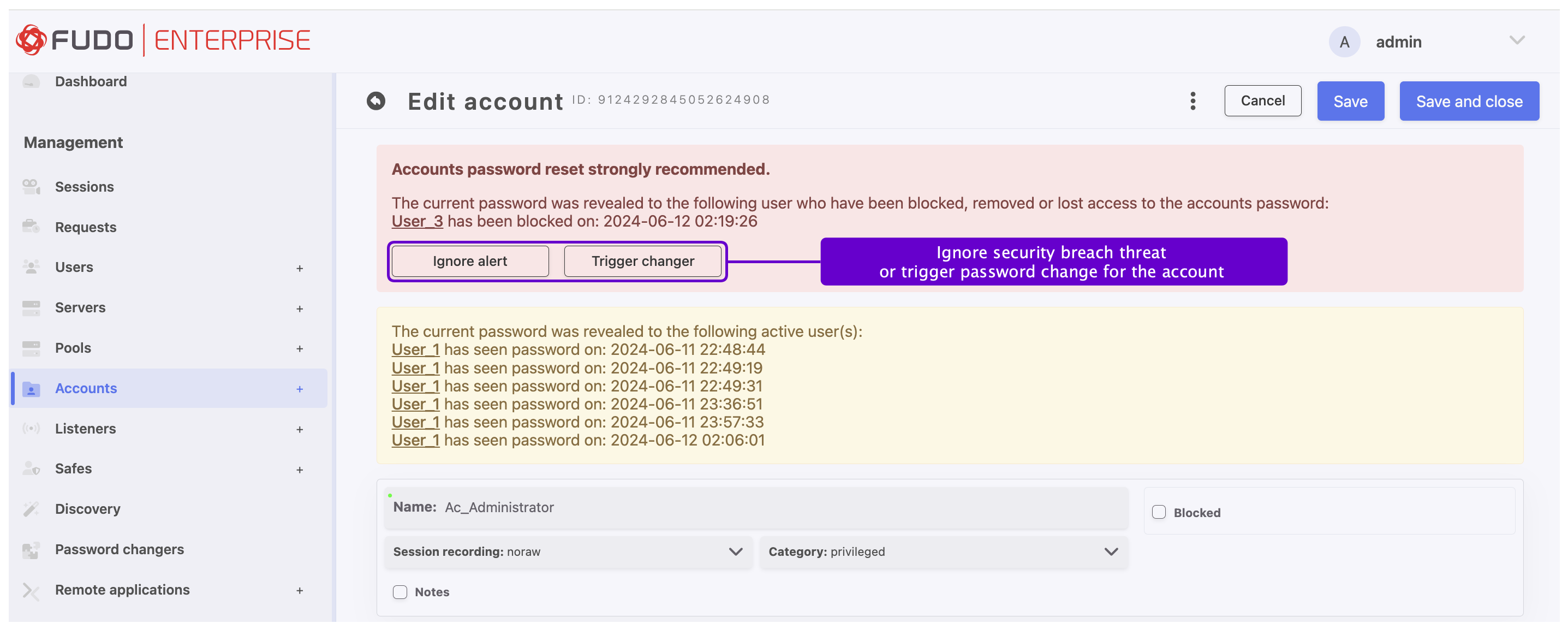
Click .
Related topics: