System Overview
User Access Gateway enables initiating connections with monitored servers available for the logged-in user.
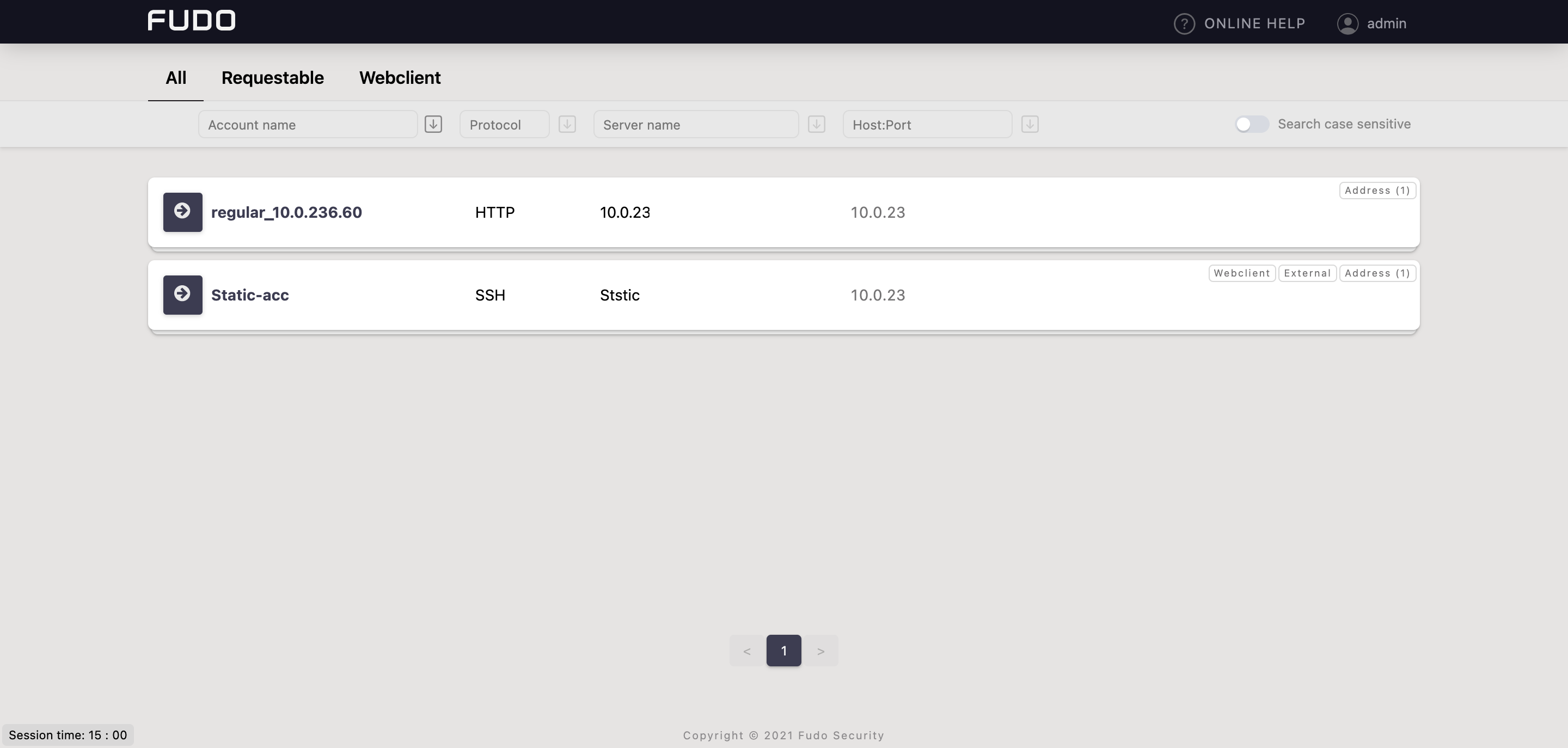
The User Access Gateway also allows:
taking an account password and automatically giving it back after a specified timeout.
Note
More information on this under the Secret Checkout and Checkin page.
viewing a password history to selected accounts, managed by FUDO’s password vault module.
Note
Check more details at the Displaying Passwords History page.
selecting one of the available keyboard layouts:
English (US),German,German (Swiss),Norwegian, andTurkish-Q.
Warning
Keyboard layouts are available for connections via RDP protocol in browser only for now.
setting interface language to
English,Polish,Russian,UkrainianorKazakh.
Note
Availability of the particular language is specified in the license.
Related topics: